Workflows Documentation
Workflows are sequences of connected tools that work together to achieve a specific goal. Our platform provides a powerful workflow engine that handles tool execution, data flow, and error handling.
Workflow Concepts
Basic Components
- Nodes: Individual tool instances in the workflow
- Connections: Data flow between tools
- Conditions: Logic that controls workflow paths
Creating a Workflow
- Navigate to the workflow creation interface
Go to the Workflows section in the platform UI and click "create your own!".
- Designing the Workflow
Use the visual workflow designer to create your workflow steps. On the right panel, you will see a list of tools from which you can choose, drag, drop, and edit with your own variables. Each tool provides an input and output shape.
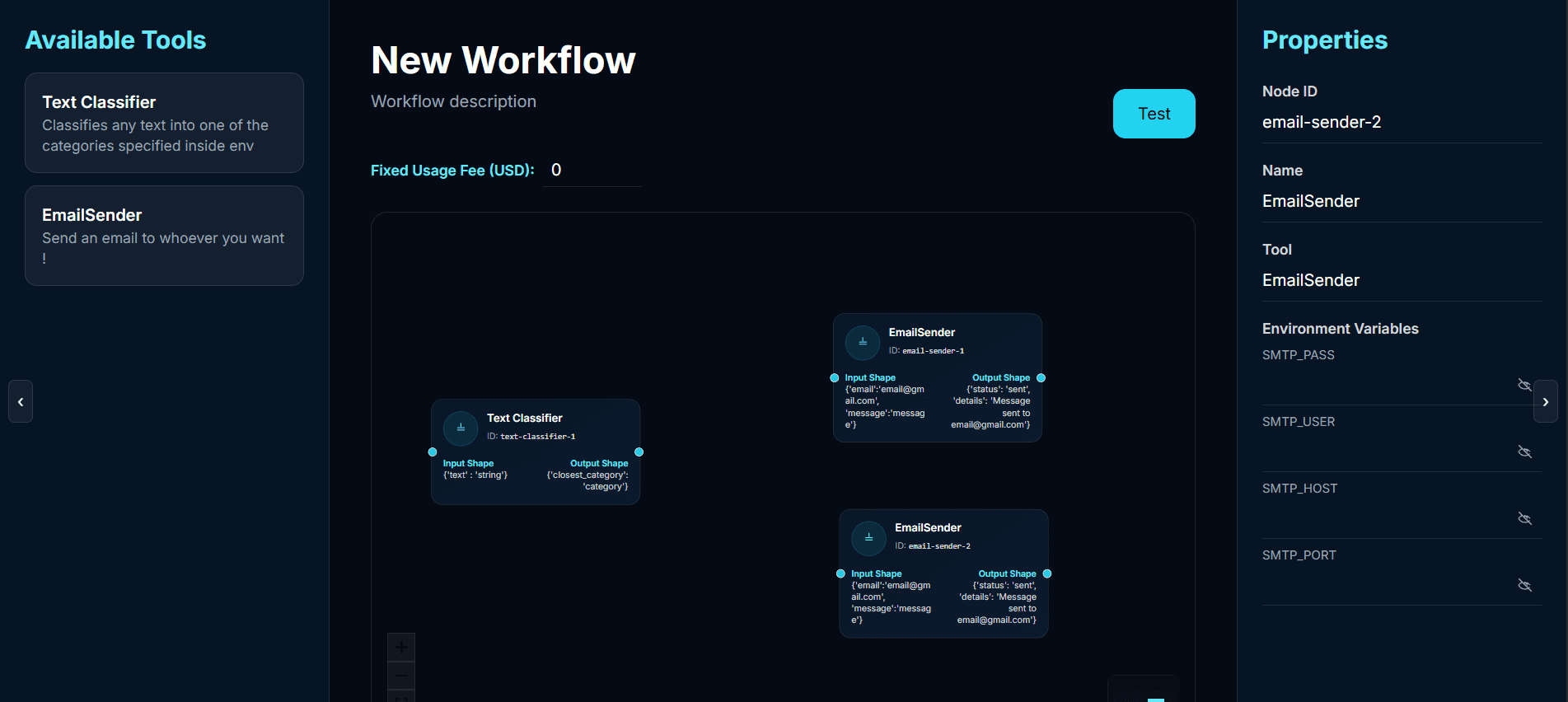
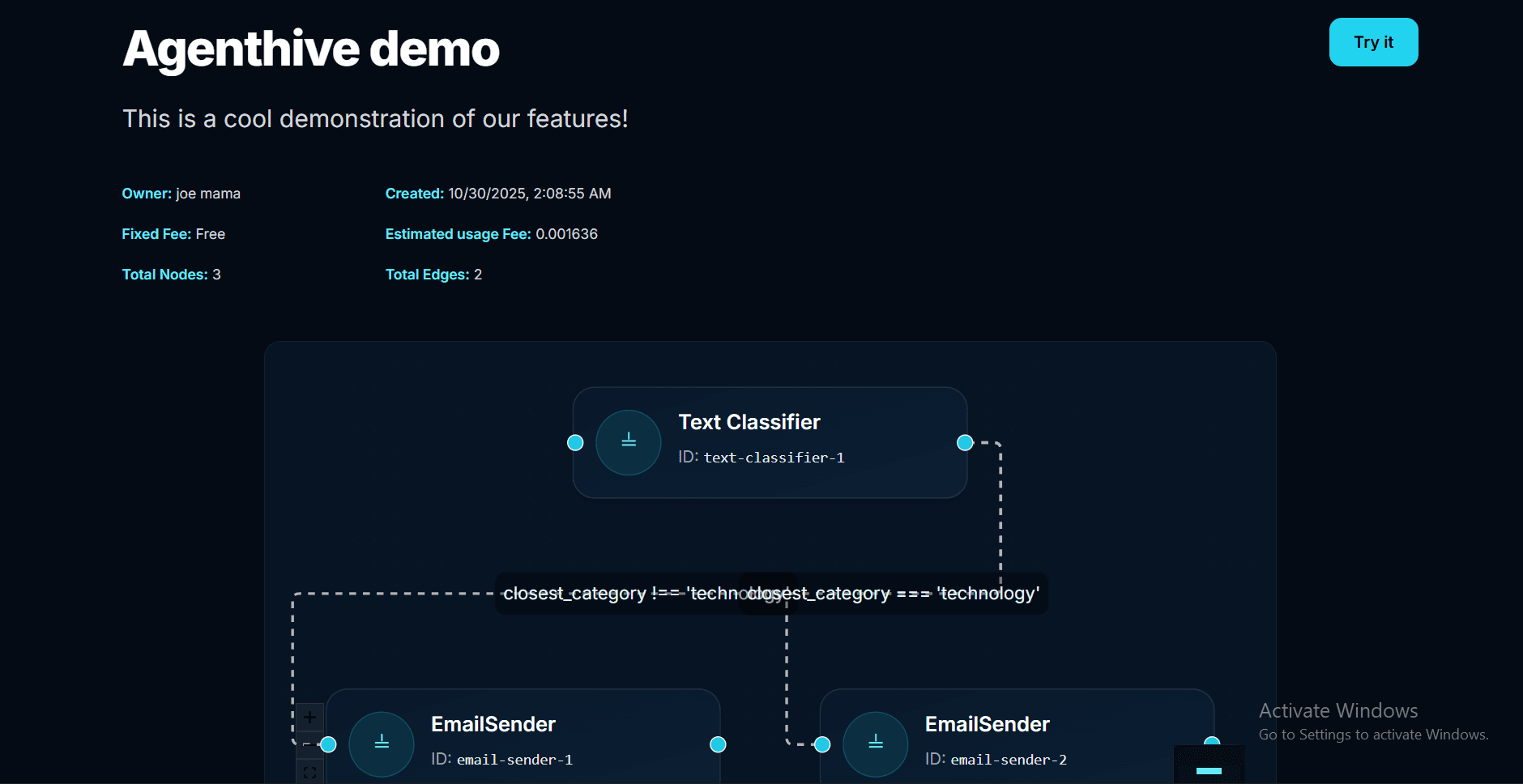
You can link your tools from output of one to input of another only, by dragging an arrow from one point to the other. Each edge can have a condition that you should write in JavaScript syntax, e.g.:
closest_category === 'technology'.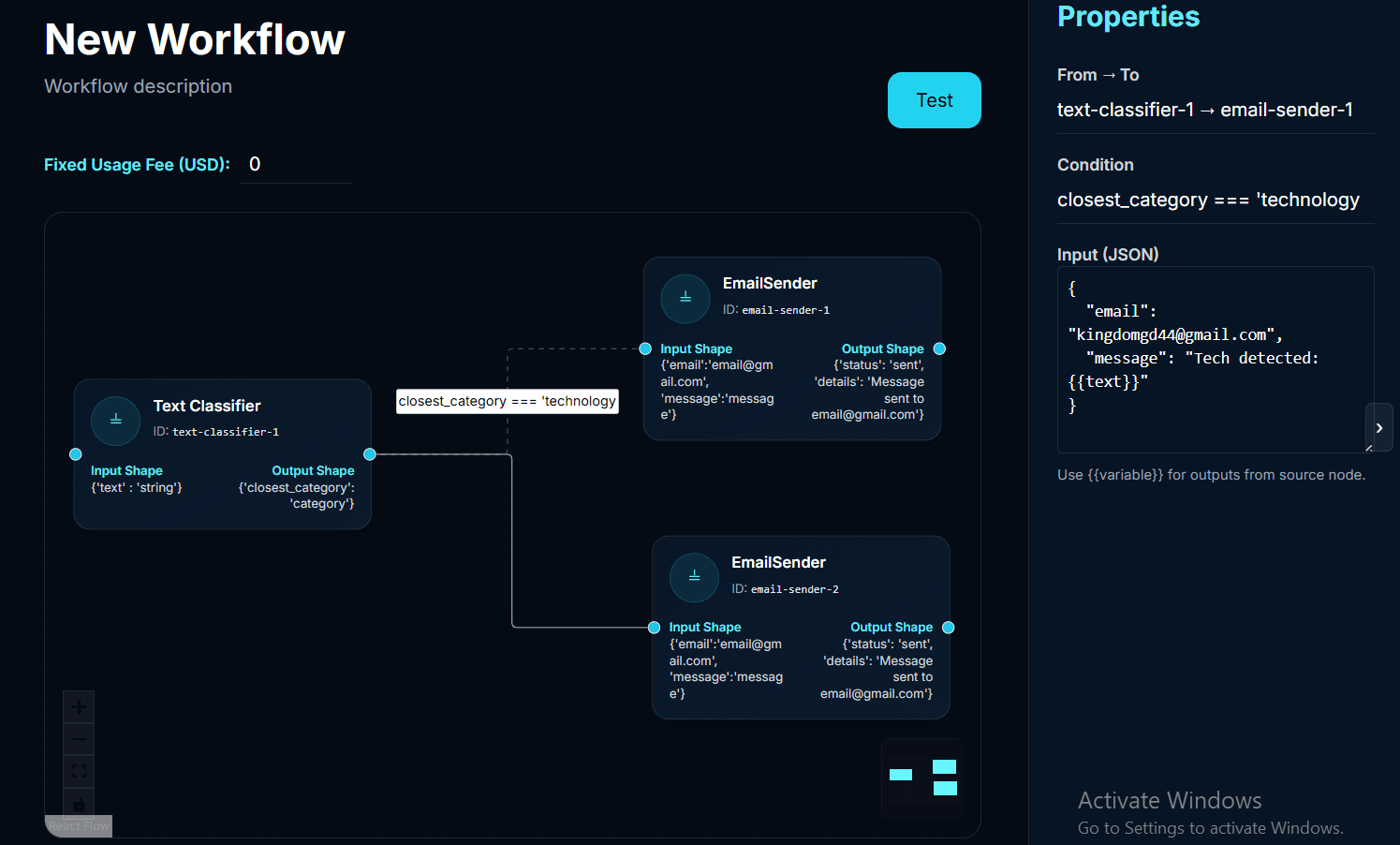
Each edge also needs a mapping, which is how you transform an incoming output to the desired shape of the next tool. You can use variables this way:
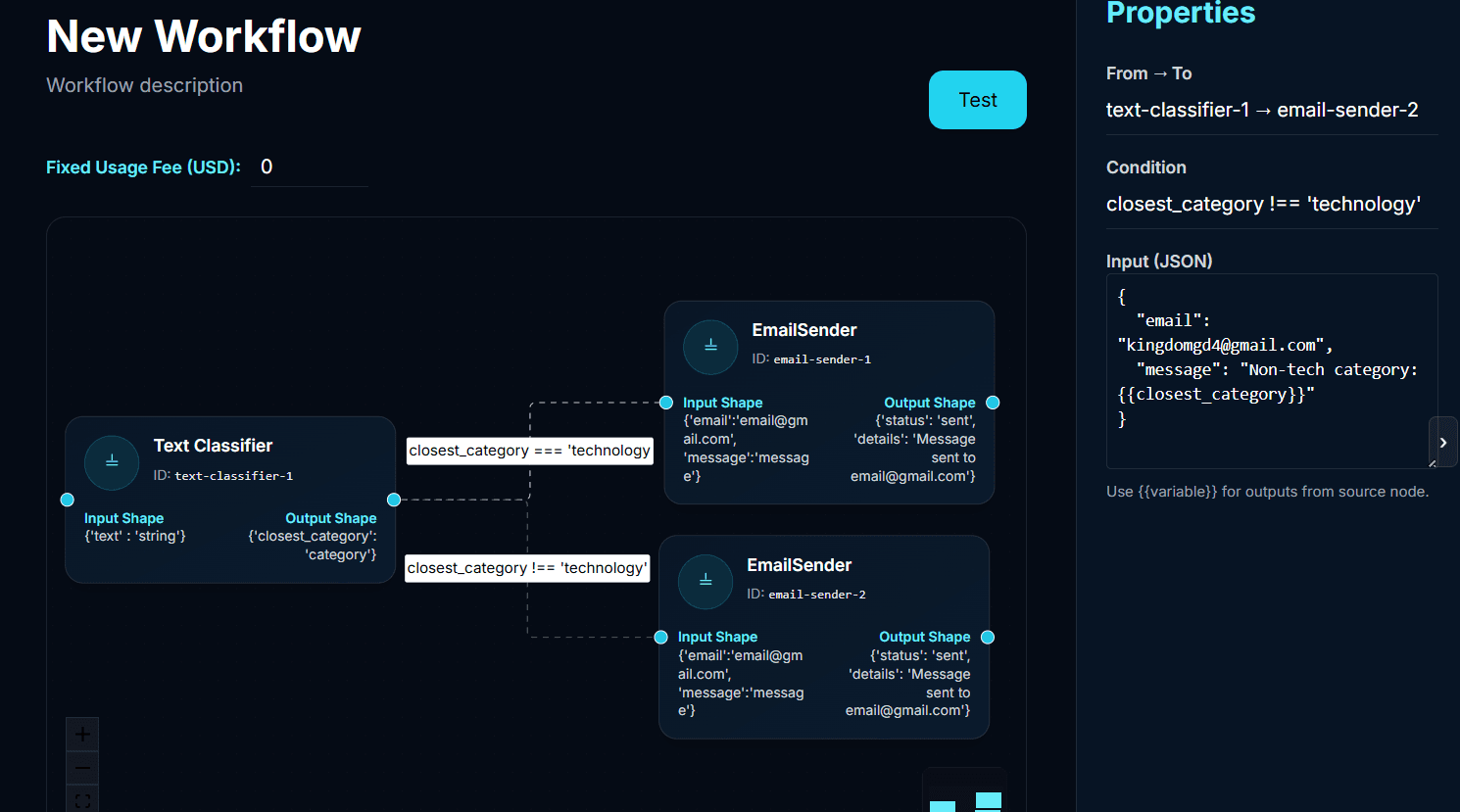
You can use any variable that is defined as an input or output of any precedent tool for the mapping of the next one!
- Testing
Once you're happy with your workflow, you can test it! Testing will deploy an instance of each tool you used.
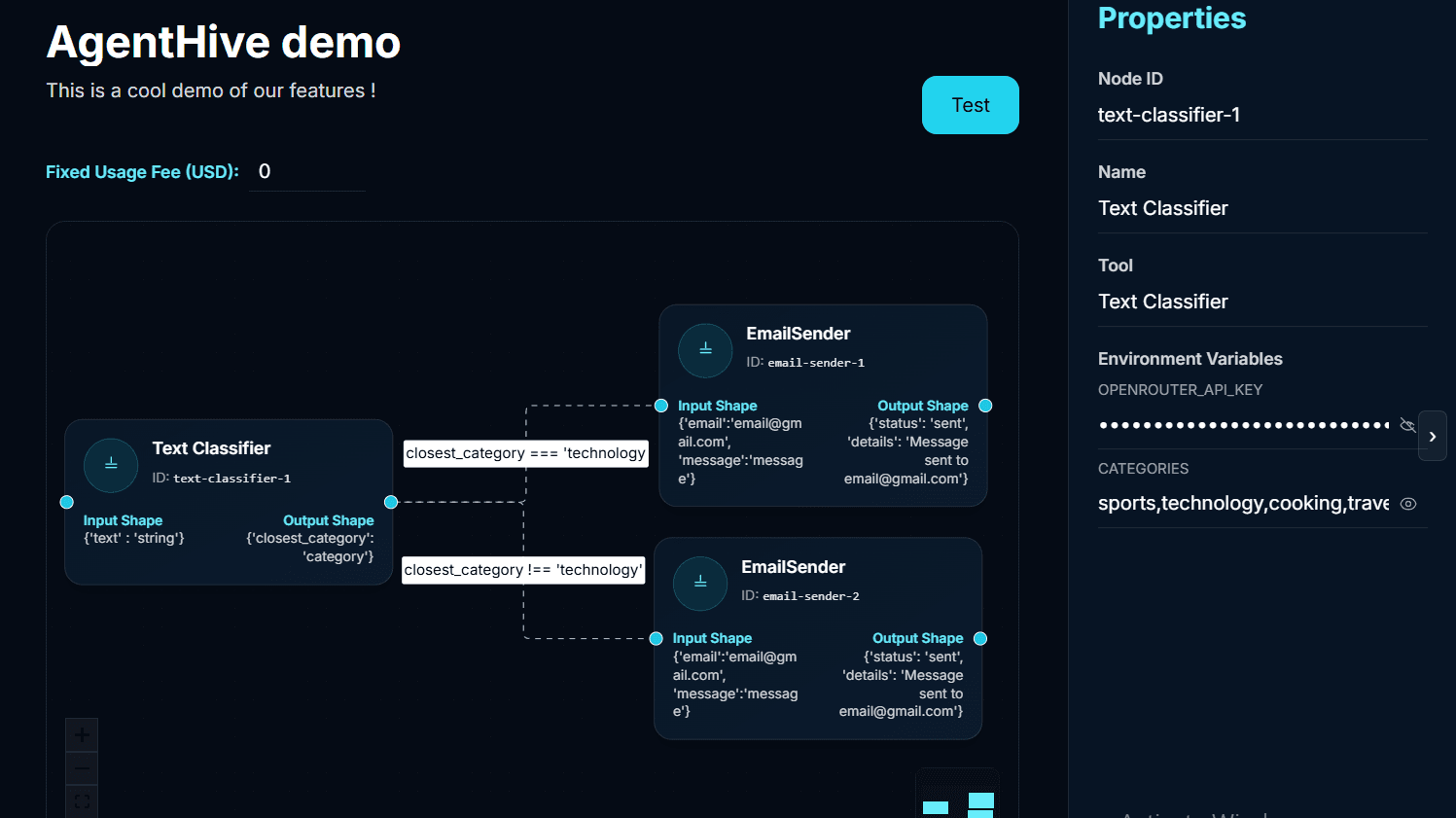
The test interface will be available for 25 minutes to verify your workflow.
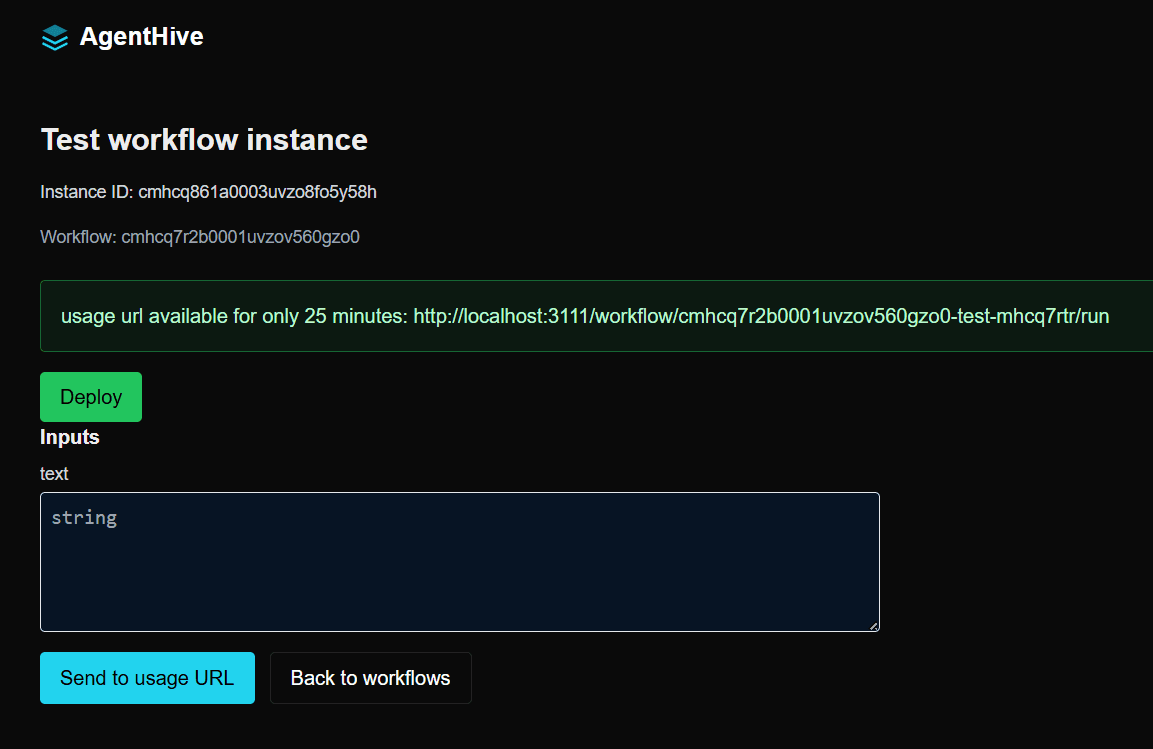
Test with any inputs and get a full log of each tool execution.
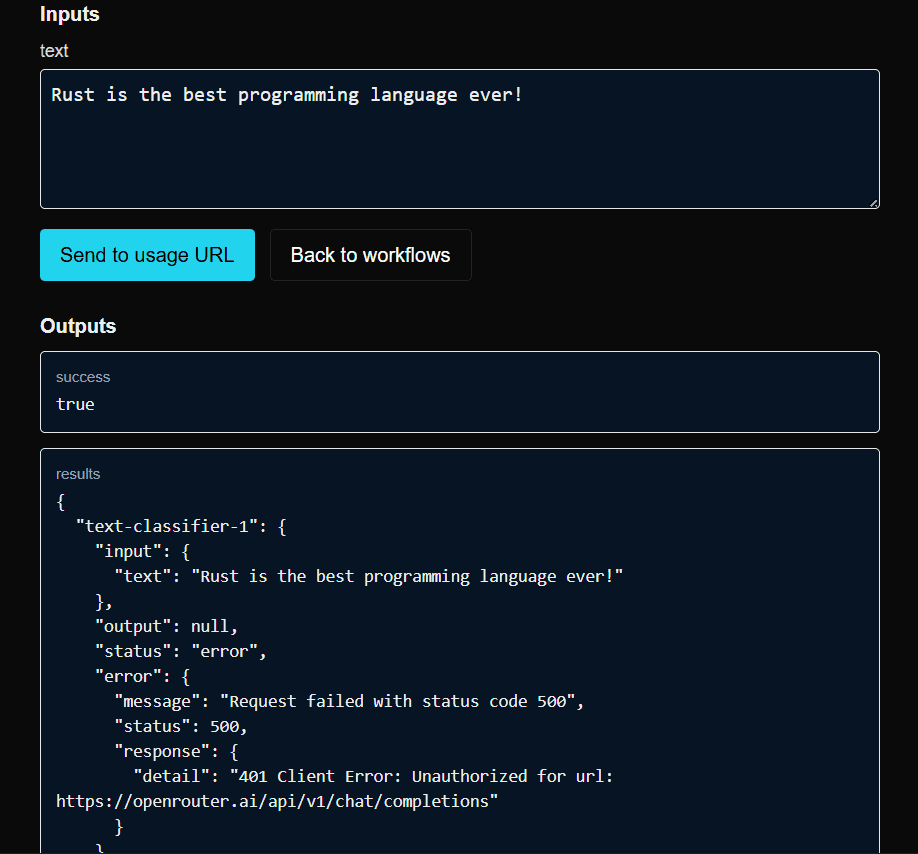
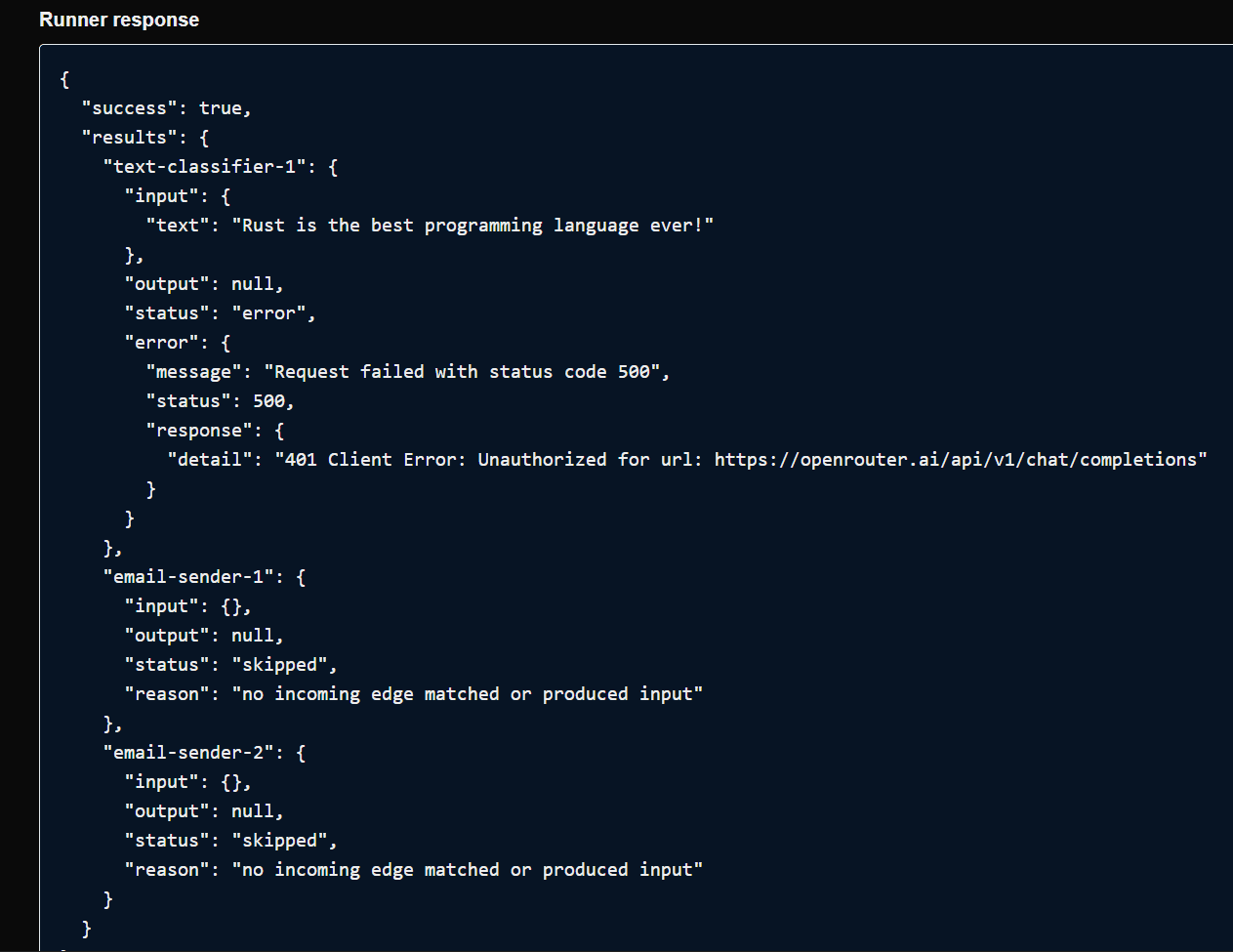
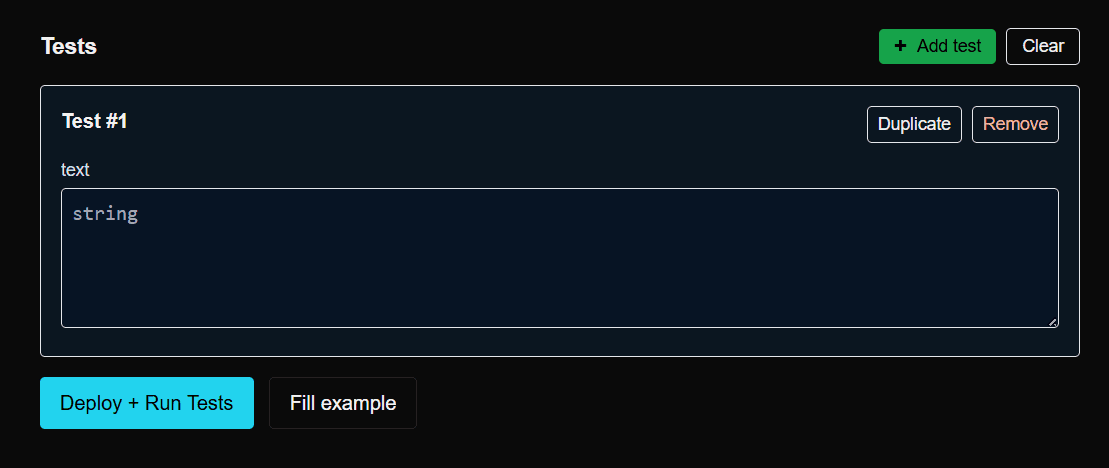
Ensure your workflow is valid before deploying. Automated tests can be set in the deployment page.
- Congrats!
You now have a working workflow hosted either on renter Nodes or our own servers.
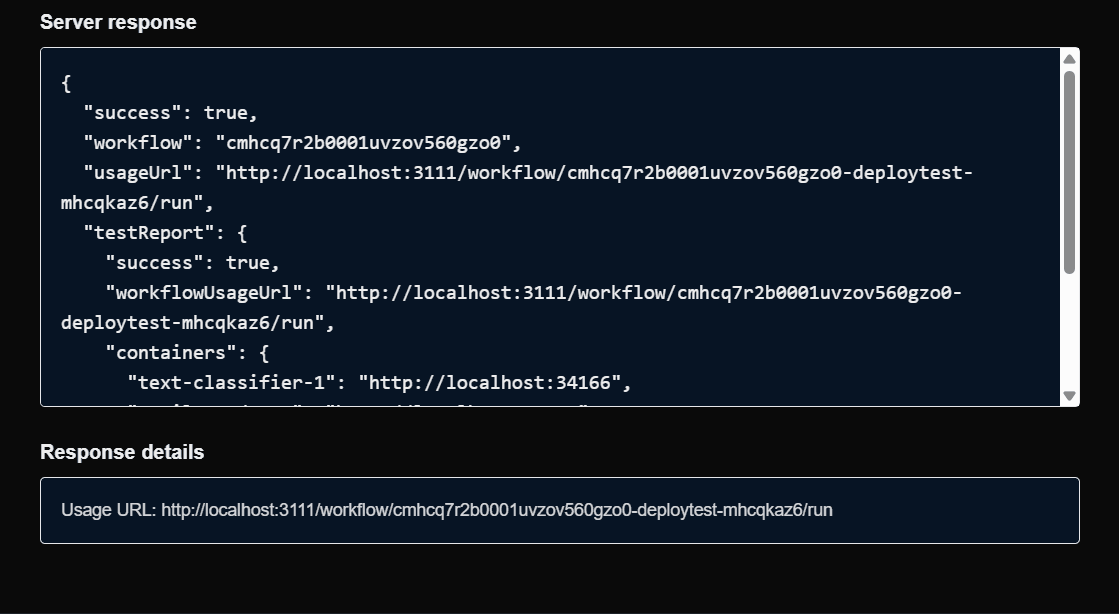
Your workflow is now featured on your profile — users can try it out and use it!
Best Practices
- Keep workflows modular and reusable
- Use meaningful names for nodes and connections
- Document workflow purpose and requirements
- Test workflows thoroughly before deployment
Template Workflows
We provide several template workflows to help you get started:
- Document Processing Pipeline
- Data Analysis Workflow
- Notification System